Book a 30-Minute Call With Our Certified Consultant
Connect directly with our accredited consultant to get clear answers on
your HubSpot underutilized features, integrations, reporting and automation.
In this Consultation, you can discuss:
HubSpot Consulting Needs
Custom Automation Plan
If you’re running automation on Oracle Cloud Free Tier, understanding how to update n8n version for community edition oracle cloud is critical for keeping workflows stable and secure. Many teams rely on n8n integrations to connect HubSpot, CRMs, databases and internal tools, but hesitate to update because of fear around downtime, broken webhooks or lost credentials. This guide explains a safe, production-ready update process used by teams managing live automation on Oracle Cloud.
Is it safe to update n8n Community Edition on Oracle Cloud?
Yes, it is safe if you back up data and follow a structured update process without skipping environment checks.
Why updating n8n on Oracle Cloud often goes wrong
Before jumping into steps, it helps to understand why updates fail for many users.
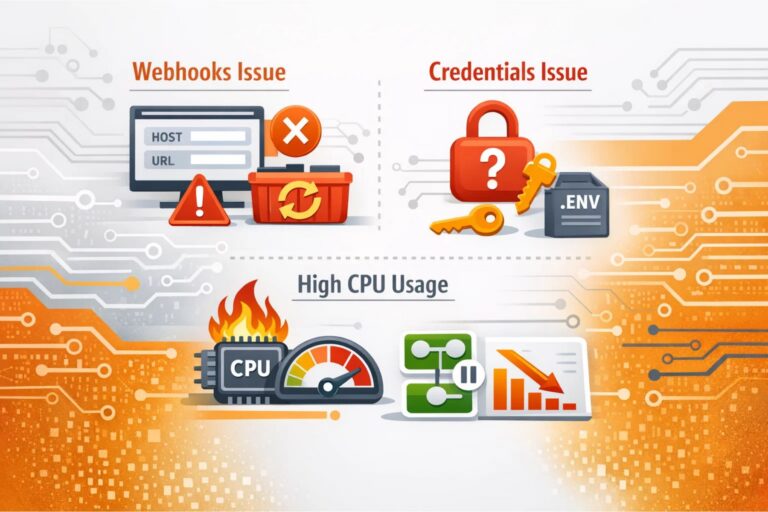
A common real-world scenario: A growth marketer running lead routing via n8n integration wakes up to broken webhooks after a rushed update. The issue was not n8n itself, but Docker volumes and environment variables overwritten during redeployment.
Typical problems include:
Updating the container without backing up /home/node/.n8n
Pulling a new image without checking breaking changes
Restarting Docker without preserving volumes
Updating while workflows are active and processing data
Understanding these risks upfront makes the update predictable.
Prerequisites before updating n8n on Oracle Cloud
Before you update, confirm how n8n is installed on your Oracle instance. Most community setups fall into one of these:
n8n installed using Docker
This is the most common and recommended setup on Oracle Cloud Free Tier.
n8n installed via npm or binary
Older or experimental setups sometimes use Node.js directly.
This guide focuses mainly on Docker, as it is the safest option for production.
Step 1: Check your current n8n version
Log in to your Oracle Cloud VM using SSH:
ssh ubuntu@your_server_ip
If using Docker, run:
docker ps
Then check the version:
docker logs n8n | grep Version
Knowing your current version helps you review release notes and avoid skipping major changes.
Step 2: Back up n8n data properly
This is the step most people skip and later regret.
Backup n8n workflows and credentials
If you are using Docker volumes, locate them:
docker volume ls
Common volume names include:
n8n_data
n8n_config
Create a backup:
docker run --rm \

-v n8n_data:/data \

-v $(pwd):/backup \

ubuntu tar czvf /backup/n8n_backup.tar.gz /data
Backup environment variables
If you use a .env file or Docker Compose, copy it:
Learning how to update n8n version for community edition oracle cloud is less about commands and more about discipline. With backups, version control and testing, updates become routine instead of risky. For teams running serious automation, this process protects revenue, data and trust exactly what reliable automation should do.
FAQs
You can update the n8n Community Edition by pulling the latest release via npm, Docker or your package manager, depending on how it’s installed.
For n8n Cloud, updates are handled automatically by n8n, so you don’t need to manage upgrades manually.
Yes, the n8n Community Edition is free and open-source, suitable for self-hosting and personal or commercial use.
On a VPS, update n8n by stopping the service, upgrading to the latest version (Docker pull or npm update) and restarting the service.
No, workflows remain safe if Docker volumes and encryption keys are preserved.
I am a certified HubSpot Consultant, Full Stack Developer, and
Integration Specialist with over 15 years of experience successfully transforming
business-critical digital ecosystems. My expertise spans the entire software lifecycle,
ranging from high-performance web application development to managing large-scale
migrations, enterprise-grade CRM integrations, and secure compliance-driven solutions.





 HubSpot Consulting Needs