Constantly uploading, moving, or renaming files by hand.
Files scattered across systems with no structure.
Lost documents and broken team handoffs.
No audit trail or process consistency.
Teams using Google Drive every day need automation, not more apps.
Streamline file management, eliminate busywork and scale operations with ease.
Automate Smarter with n8n Google Drive Integration
n8n makes it easy to automate Google Drive with your entire workflow stack.
Trigger
Trigger actions when new files are added, renamed or moved.
Workflows
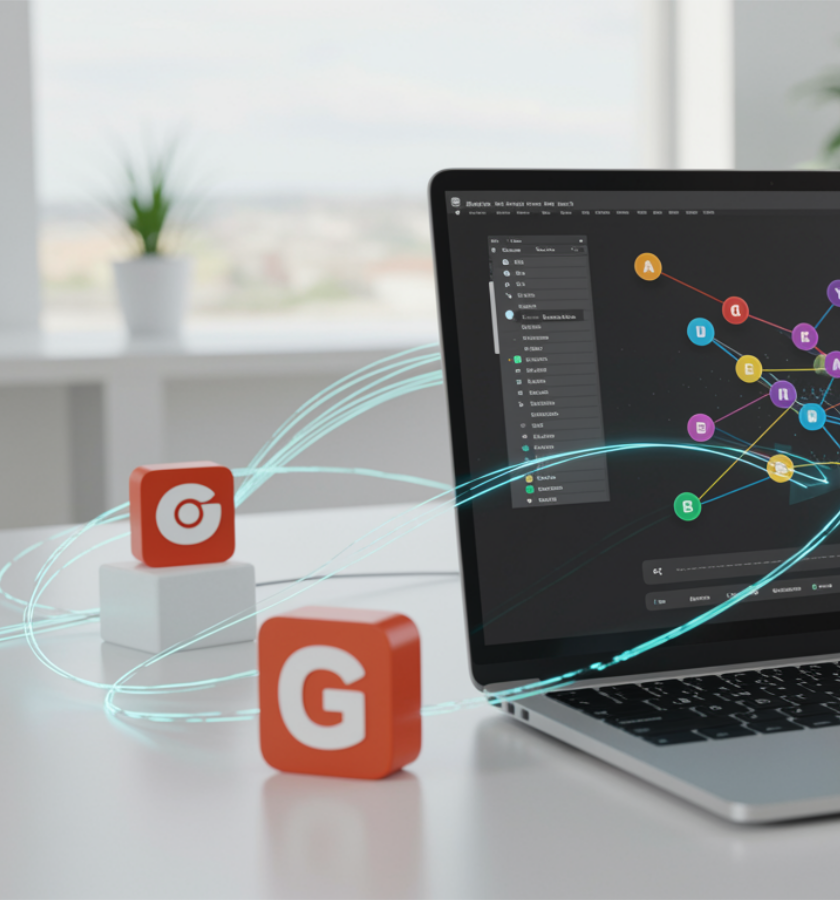
Build visual workflows with the n8n Google Drive node. No coding required
Connected Systems
Turn Google Drive into a smart, connected system. Not a dumping ground.
Automation for Everyone
Automate client deliverables. When a file is added to Drive, send an email, backup content, or log the work.
Automatically upload Gmail attachments to Drive.
Auto create structured folders per project or client.
Auto generate sharing links and email them securely.
Trigger downstream processing when a new file arrives.
Archive or delete stale files after set periods.
Visual, drag and drop builder for non developers.
Deep integration with 400+ apps, not just Drive but API too.
Connect via the n8n Google Drive API integration or use prebuilt triggers.
Built for scale and complexity, without complexity.
These are just the starting points. Build workflows tailored to your needs. You’re not locked into one size fits all automations. Build what your business needs.
Automatically upload invoices, customer files or documents from email to organized Drive folders. Link Drive to HubSpot CRM and reduce admin time.
Automate creative workflows. When assets are finalized, auto upload to Drive, rename files, notify stakeholders and send to YouTube or Dropbox.
Maintain folder governance with workflows to auto create structures, apply permissions, archive old content and ensure consistency across departments.
Trigger workflows when Drive receives new reports: process data, send alerts, update dashboards and keep records synced.
n8n Workflow Google Drive Integration FAQs
n8n is built for operations and business users. No code, no problem.
n8n goes further. Connect Drive to 400+ tools. Automate across systems.
Choose between self hosted or secure cloud deployments. Total control.
You can integrate Google Drive in n8n by adding the Google Drive node and connecting it with your Google account via OAuth2 credentials.
Then, configure triggers or actions like upload, list or update files to automate workflows.
In free n8n, create Google OAuth2 credentials in your enterprise Google Cloud Console and add them under Credentials → Google Docs API.
Then connect the Google Docs node in your workflow using those credentials for secure access.
Go to Google Cloud Console → APIs & Services → Enable APIs and Services, then select and enable the desired Google API.
Copy the generated Client ID and Client Secret and add them under Credentials → Google OAuth2 API in n8n.
Yes, you can connect your NAS to free Google Drive using tools like rclone or Synology Cloud Sync.
These tools let you sync or back up NAS files directly to your Google Drive account.