Project management software has been adopted by construction companies in 2026 due to the rising complexity levels of construction projects. There are numerous processes involved in any construction project such as budgeting, planning, coordination of resources, and people among others. It, therefore, becomes important to use good software that can handle all aspects of construction projects. The use of good construction project management software helps in ensuring effective management of all deadlines and effective communication throughout the process. This paper will look at some of the best construction project management software in 2026.
1) Planera
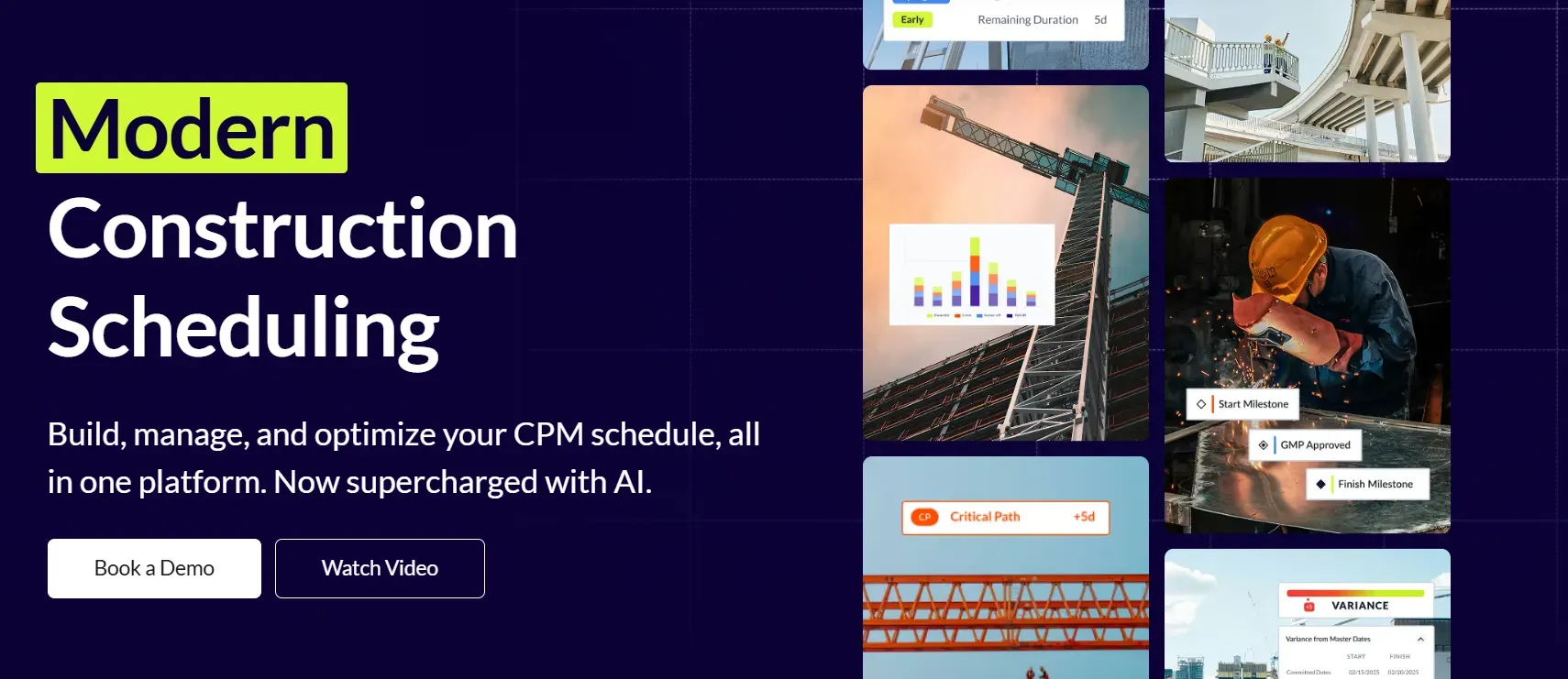
Planera is a cloud-based construction planning tool built to help general contractors and project teams create realistic, data-driven schedules. As opposed to conventional CPM techniques, this tool utilizes AI technology to study dependencies, constraints, and risks, thus creating more precise and adaptable schedules.
It emphasizes the importance of collaborative planning which helps project teams to coordinate trades, resources, and timing before problems arise. This solution is especially helpful in construction projects.
Key Features of Planera:
- AI-Driven Scheduling: Automatically analyzes task dependencies and constraints to generate optimized construction schedules.
- Collaborative Planning: Enables multiple stakeholders (GCs, subs, planners) to work together in real time.
- Risk & Constraint Analysis: Identifies schedule risks early and highlights bottlenecks before they impact delivery.
- Scenario Planning: Test different “what-if” scenarios to compare timelines and make better decisions.
- Integration-Friendly: Works alongside existing construction management and scheduling tools.
Pricing:
- Custom pricing
- Demo available on request
Pros and Cons of Planera:
Pros:
- AI-powered scheduling improves predictability
- Strong focus on collaboration and early planning
- Helps reduce delays and schedule conflicts
Cons:
- Pricing is not publicly listed
- May be overkill for very small or simple projects
Best for:
General contractors and teams that manage complex construction projects requiring effective scheduling and coordination.
2) Timeero: GPS Time Tracking and Scheduling for Field Teams
Timeero is a GPS tracking application designed for field workers. The app features live GPS time tracking system that effectively tracks time spent at work, ensuring that field workers clock in and out from correct locations. The Timeero GPS tracker is perfect for construction sites, since it tracks team members no matter where they are located.
Key Features of Timeero:
- Real-Time GPS Tracking: Tracks jobsite entry and exit automatically, ensuring precise timekeeping.
- Shift Scheduling: Easily assign and manage work shifts for field teams.
- Offline Mode: Works even when there is limited or no signal, syncing once reconnected.
- Payroll Integration: Syncs timesheets with popular payroll platforms like QuickBooks and Gusto.
Pricing:
- Free Trial: 7 days
- Basic: $6/user/month
- Pro: $10/user/month
Pros and Cons of Timeero:
Pros:
- Accurate GPS tracking with real-time updates
- Useful offline mode for low-signal areas
- Easy integration with payroll systems
Cons:
- Lacks some advanced project management tools
Best for:
Field teams in construction or other industries who need reliable time tracking and scheduling with minimal setup.
Fieldwire is an application that can be used for managing jobs, processes, and teams working in construction projects. With the aid of Fieldwire, it becomes possible to assign tasks and monitor the progress of the project. This application will come handy whether you want to plan your activities for the day or present project schematics.
Key Features of Fieldwire:
- Task Management: Create and assign tasks, track completion, and collaborate with team members.
- Blueprint Markups: Easily share and markup construction drawings to keep everyone informed.
- Mobile-Friendly: Access and update tasks and blueprints directly from the mobile app on-site.
- Progress Tracking: Track daily progress with reports, photos, and updates.
Pricing:
- Free: For small teams (up to 3 users)
- Pro: $29/user/month
- Business: Custom pricing for large teams
Pros and Cons of Fieldwire:
Pros:
- User-friendly and great for on-site task management
- Easy blueprint sharing with markup features
Cons:
- Limited project management features outside task management
- Price may be high for very small teams
Key Takeaway:
Project Management Software for Construction Project together with Time Tracking Software makes sure that everything is well organized, schedules are on point, and labor hours are connected to the jobs.
Conclusion:
The right project management software selection makes all the difference in the construction industry. Through the use of such software, companies operating in the construction industry can work more effectively, keep projects on budget, and promote better collaboration between teams. Regardless of whether the construction company works on small or large-scale projects, the right software choice can make a world of a difference.





 HubSpot Consulting Needs